
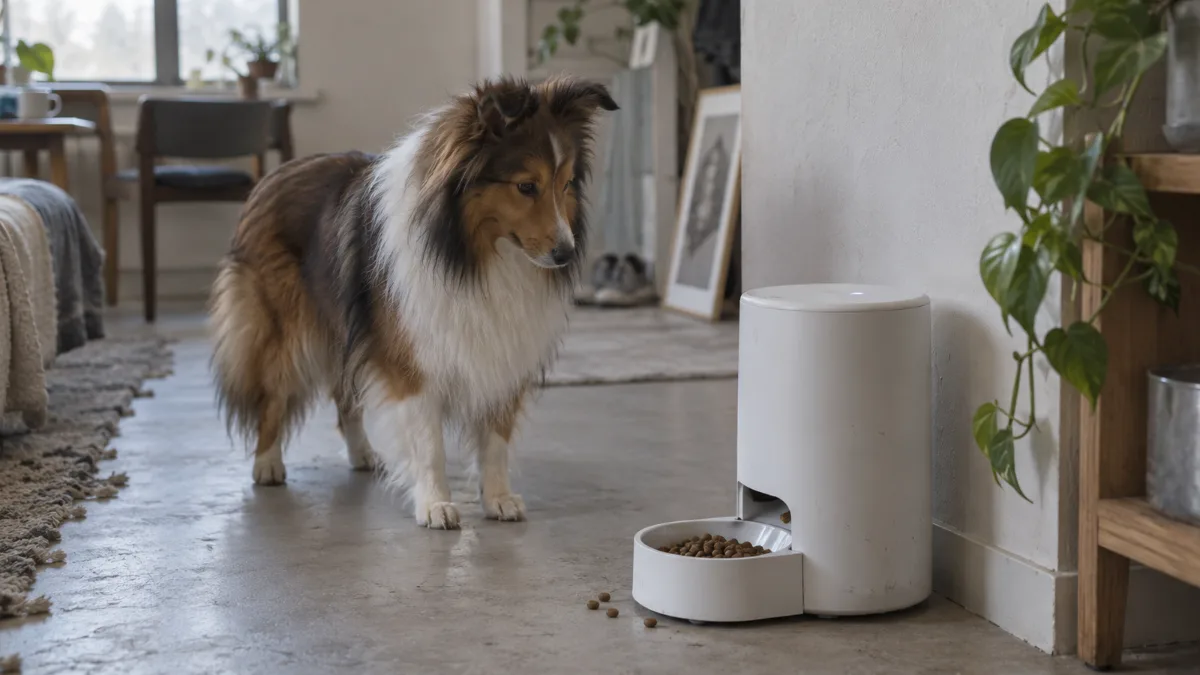
Wi-Fi Dog Feeder: What Makes It Different From a Basic Timer
Every timed feeder runs on a schedule (see our timed dog feeder guide for how that scheduling mechanism works); what a wifi automatic dog feeder adds is a live connection back to you. Because it’s on your home network, an automatic dog feeder wifi model can send low-food alerts, log every feeding with a timestamp, and let you change the schedule or trigger an extra portion from your phone no matter where you are — at work, on a trip, anywhere with signal. A wifi controlled dog feeder is the version of “smart” that actually delivers on being controllable remotely, which isn’t true of every product marketed as smart.
For smaller portions and kibble, check the maker limits in our small-dog feeder guide before choosing an app feature.
Controlled From Your Phone
An automatic dog feeder with app (also just called a dog feeder app or app controlled dog feeder) is how you actually interact with a wifi dog feeder day to day — setting meal times and portion sizes, viewing feeding history, and getting notifications. Look for an app that shows a confirmed feeding log, not just a schedule you set once and can’t verify — the log is what actually tells you a meal happened, especially useful if you’re away and want confirmation rather than just trust.
Bluetooth Dog Feeder: The Catch
A bluetooth dog feeder or bluetooth dog food dispenser uses your phone’s Bluetooth instead of WiFi, and that distinction matters more than it sounds. Bluetooth only works at short range — you generally need to be within the same house or yard as the feeder to use the app at all. That means a phone controlled dog feeder over Bluetooth alone isn’t actually remote-controllable while you’re at work or traveling, even though it’s marketed as smart. If controlling the feeder while away from home matters to you, confirm it connects over WiFi, not Bluetooth only.
Remote Control and Monitoring
Once connected, a remote dog feeder (or remote control dog feeder, remote feeder for dogs, remote dog food dispenser) typically lets you dispense an extra portion on demand and check that scheduled meals actually went out — the core of what “remote control dog food dispenser” means in practice. If you also want to see your dog eating, not just confirm a feeding happened, that’s a step up to a camera-equipped model — see our dog feeder with camera guide for that side of things, since it’s a meaningfully different feature set from remote scheduling alone.
Smart Dog Bowls: A Related but Different Product
Smart dog bowls are a different product from an automatic feeder — instead of dispensing food on a schedule, they usually sit under food you add yourself and track how much and how fast your dog eats, syncing that data to an app. They’re worth knowing about if your interest is eating-habit tracking rather than automated dispensing, but they don’t replace a hopper-based automatic feeder for portion control while you’re away.
Works with Alexa and Google Assistant
Some automatic dog feeder alexa integrations exist and are genuinely useful, but they’re usually narrower than they sound — typically a specific skill that lets you ask for an extra snack-sized portion or check feeding status, not full voice-driven scheduling. PetSafe’s Smart Feed line is a well-known example with real Alexa support. Google assistant dog feeder and google home dog feeder compatibility is less common across brands than Alexa support — check the specific model’s listing rather than assuming an alexa enabled dog feeder also works with Google Home.
Best Smart and Wi-Fi Dog Feeders

PetSafe Smart Feed — second generation
Best for: Larger per-meal portions with app scheduling.
- 24-cup hopper
- up to 12 meals daily
- 1/8 to 4 cups per meal
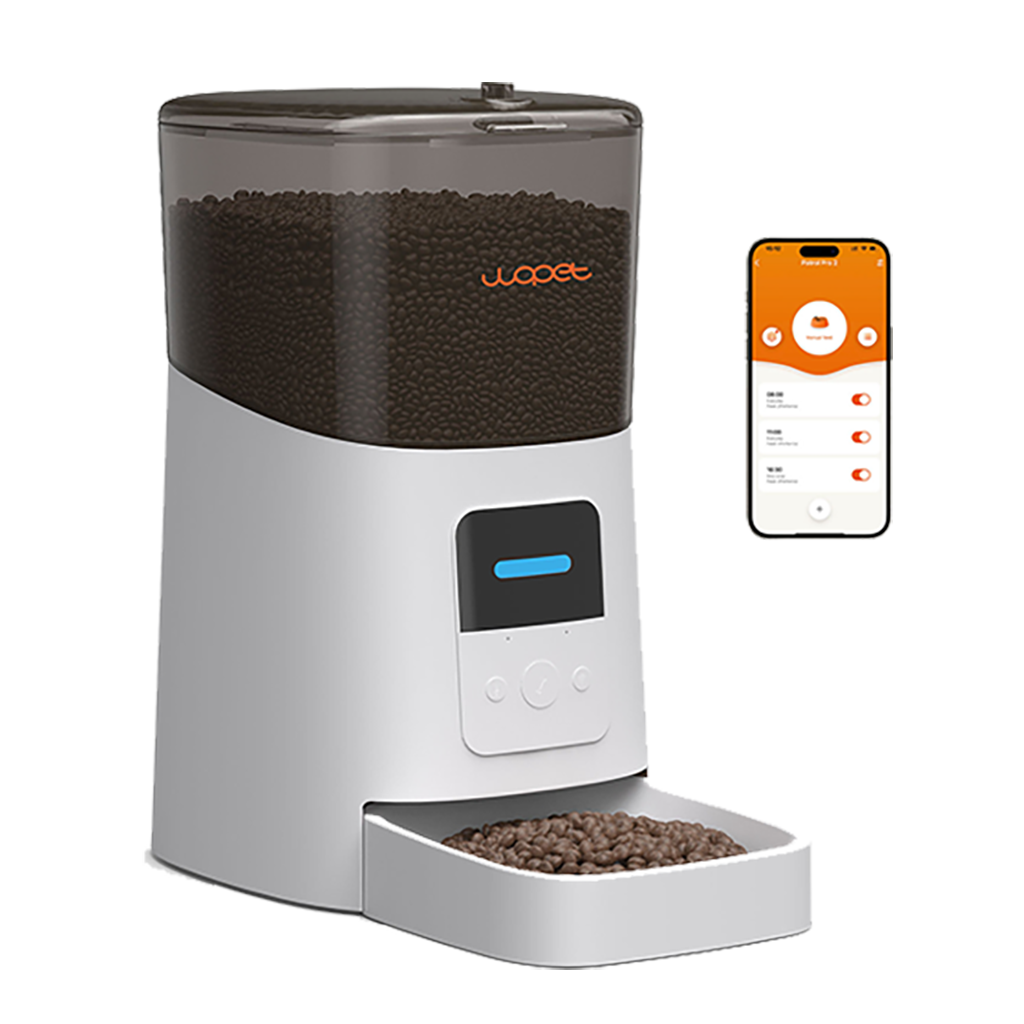
WOPET Patrol Automatic Feeder
6L WiFi feeder with app scheduling for multiple daily meals.
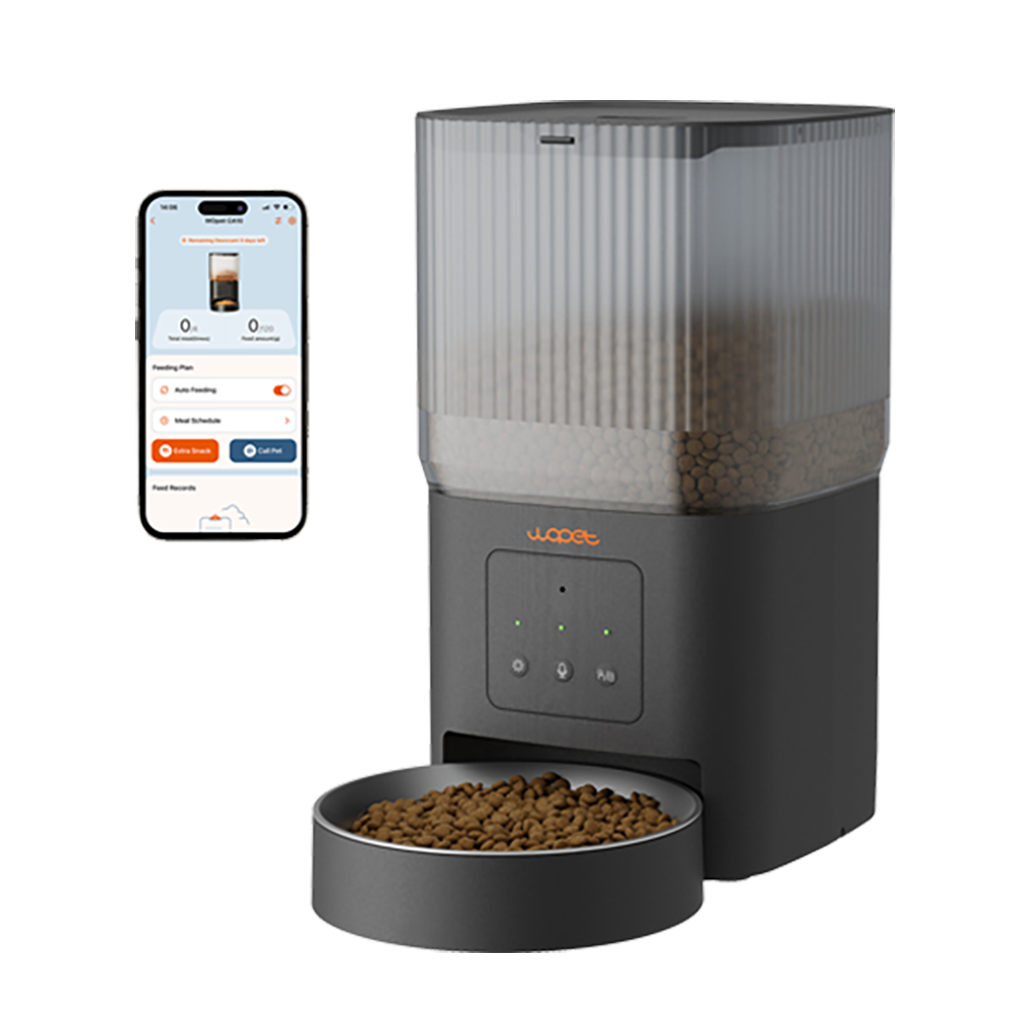
WOPET Cube Air WiFi Feeder
Compact app-connected feeder for remote scheduling and portion control.
WOPET Heritage View HV10DP Dual Bowls
App-controlled feeder with an integrated camera for remote check-ins.

Whisker Feeder-Robot
Large-capacity WiFi feeder with app scheduling and feeding-history tools.

PETLIBRO Granary WiFi
Remote scheduling and portion controls for compatible dry kibble.
Among the best wifi dog feeder options, prioritize confirmed WiFi (not just Bluetooth) connectivity, an app with a real feeding log, and — if voice control matters to you — verified Alexa or Google Assistant support rather than a vague “smart” label. Models like PetSafe’s Smart Feed pair WiFi and Alexa integration with a large capacity, useful if voice control and app confirmation both matter to you. For the full lineup across use cases, see our dog feeders hub.
Decision guide
WiFi vs. offline programmable dog feeder
WiFi / app control
Best when you want remote schedule changes, alerts or feeding history. Check whether schedules still run during an internet outage and whether key features require a subscription.
Offline programmable
Best for simple, dependable meal times with less setup and no cloud account. You give up remote changes, notifications and app-based logs.
Also compare camera feeders, timed feeders, or use the side-by-side comparison.
Frequently Asked Questions
What’s the real difference between a Wi-Fi and Bluetooth smart dog feeder?
WiFi connects to your home network, so you can control and monitor the feeder from anywhere. Bluetooth only works at short range — you need to be near the feeder itself, which rules out true remote control while you’re away.
Do smart dog feeders actually work with Alexa or Google Assistant?
Some do, most commonly through a specific voice skill for snack dispensing or status checks rather than full control. Alexa support is more common across brands than Google Assistant — verify support for the specific model rather than assuming it from the word “smart.”