
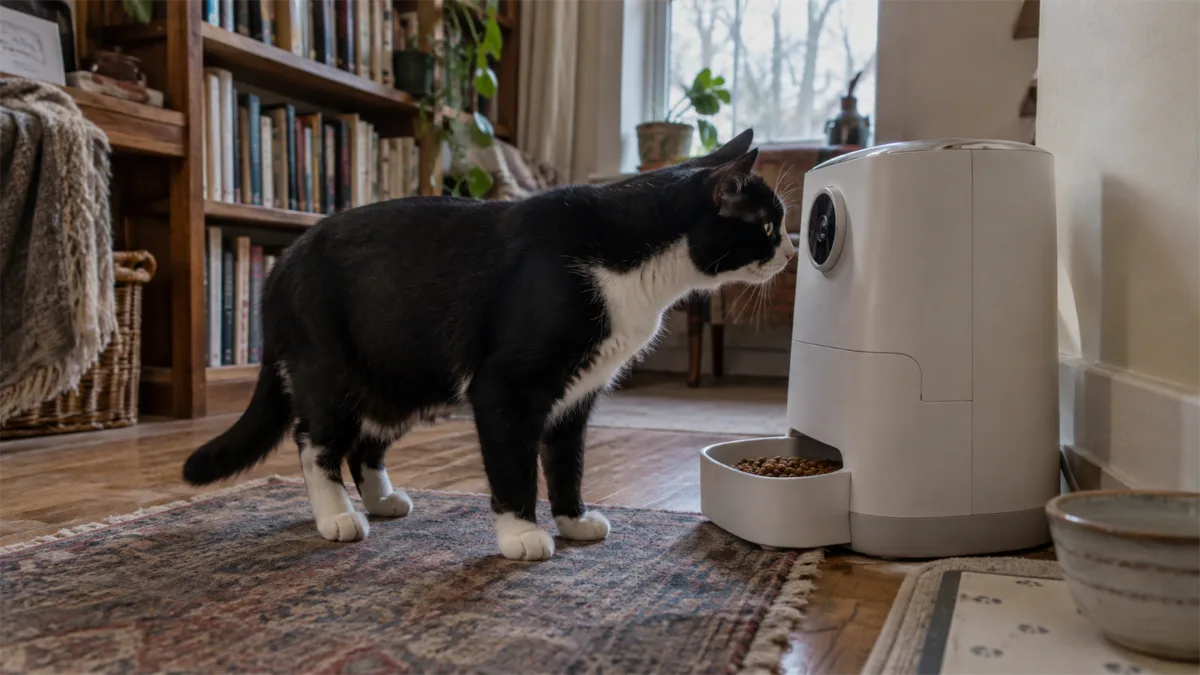
Camera Specs That Actually Matter
Not all cat feeder cameras are equal, and the spec sheet numbers matter more than the marketing photos. Here’s what to actually compare:
| Spec | Why It Matters | What to Look For |
|---|---|---|
| Resolution | Determines how clear the video is, especially zoomed in | 1080p minimum; 2K is a real, visible upgrade for detail and low-light clarity |
| Field of view | Fixed cameras only see the bowl; pan/tilt cameras follow your cat around the room | Pan/tilt (often 360° horizontal) if you want more than a bowl close-up |
| Night vision | Most cats eat or visit the feeder at odd hours | Infrared night vision, not just “works in low light” |
| Two-way audio | Lets you talk to your cat remotely, not just watch | Confirm it’s genuinely two-way, not camera-only |
| Motion detection / AI tracking | Sends alerts and can follow your cat automatically | Reduces the need to manually pan the camera yourself |
| Storage | Where recorded clips are saved | Check whether it’s a paid cloud subscription, a microSD card, or both |
A camera cat feeder with a low-resolution, fixed lens and no night vision is barely more useful than checking a still photo — the features above are what separate a genuinely useful camera from a checkbox marketing feature.
Camera Feeders for Multi-Cat Homes
A dual cat feeder with camera — two separate bowls under one camera-equipped unit — solves a specific problem: monitoring which cat actually ate, not just whether food was dispensed. This matters most in households where one cat eats less than expected or where you’re tracking a cat’s appetite for health reasons. A single wide field-of-view camera usually covers both bowls, though a pan/tilt model does a better job of catching whichever cat is currently at the feeder.
Best Cat Feeders with Camera

PETLIBRO Granary Camera Feeder
Camera-equipped dry-food feeder; compare the exact listed camera version.

PETKIT YumShare Dual-Hopper
Dual-hopper feeder with camera and app controls.
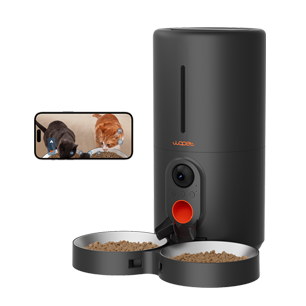
WOPET Heritage View HV10DP Dual Bowls
6L smart feeder with dual bowls and a 1080p camera for monitoring two-pet mealtimes.
The PETLIBRO Granary Camera remains our top overall pick for camera feeders, with 1080p HD, night vision, and two-way audio on a reliable dispensing base — see the complete automatic cat feeder guide for its full review and pricing. If you specifically want pan/tilt tracking and AI-powered clip highlights rather than a fixed lens, look for a model that explicitly lists 360° camera rotation and motion-tracking in its specs — these features are newer and not yet standard across the category, so confirm them directly rather than assuming.
Camera costs, placement, and privacy
A camera feeder is most useful when the feeding area stays in a predictable position and the bowl remains visible after food is dispensed. Check the stated field of view, night vision, microphone controls, and whether the lens points at the bowl rather than across the room. A fixed camera can confirm that a cat approached the feeder; it may not reliably identify which cat ate or how much food was consumed.
Also compare the complete ownership cost. Live view is often included, while cloud history, AI clips, pet recognition, or extended storage may require a subscription. Local microSD storage can reduce ongoing fees, but confirm capacity, encryption options, and whether recordings remain available if the internet connection drops.
If video is secondary and remote scheduling is the real priority, a simpler WiFi cat feeder may provide better value. If interaction and reward tossing matter more than measured meals, compare a dedicated treat-dispensing pet camera instead.
Decision guide
Feeder with camera vs. separate pet camera
Built-in feeder camera
Convenient for checking the bowl and meal events in one app. Confirm the viewing angle actually includes the food tray and review any subscription limits.
Separate pet camera
More flexible placement and often a wider room view, but it may not show the bowl clearly and uses a second device or app.
Next: compare smart feeders, timed feeders, or open the comparison tool.
Frequently Asked Questions
Is 1080p good enough, or should I get a 2K camera feeder?
1080p is enough for basic monitoring and clearly seeing your cat. 2K makes a real difference specifically in low light and when you zoom in, so it’s worth the upgrade if remote monitoring is your main reason for buying a camera feeder at all.
Does a camera feeder need WiFi to work?
Yes, for live view and remote alerts specifically — the camera streams through the same app connection as the feeder’s smart scheduling features. See our WiFi and smart feeder guide for how that connection works.
Can one camera cover two cats?
Yes, with a dual-bowl camera feeder positioned to include both bowls in frame — though a fixed, narrow lens may only clearly capture one bowl at a time. A pan/tilt camera handles this better than a fixed one.
Do I need a subscription to store video?
It depends on the model — some store clips locally on a microSD card at no extra cost, while others require a paid cloud subscription for extended history or AI-generated highlight clips. Check this before buying if it matters to you.