
Explore by need
Five focused camera guides
Start with the decision that matters most in your room and your purchase package.
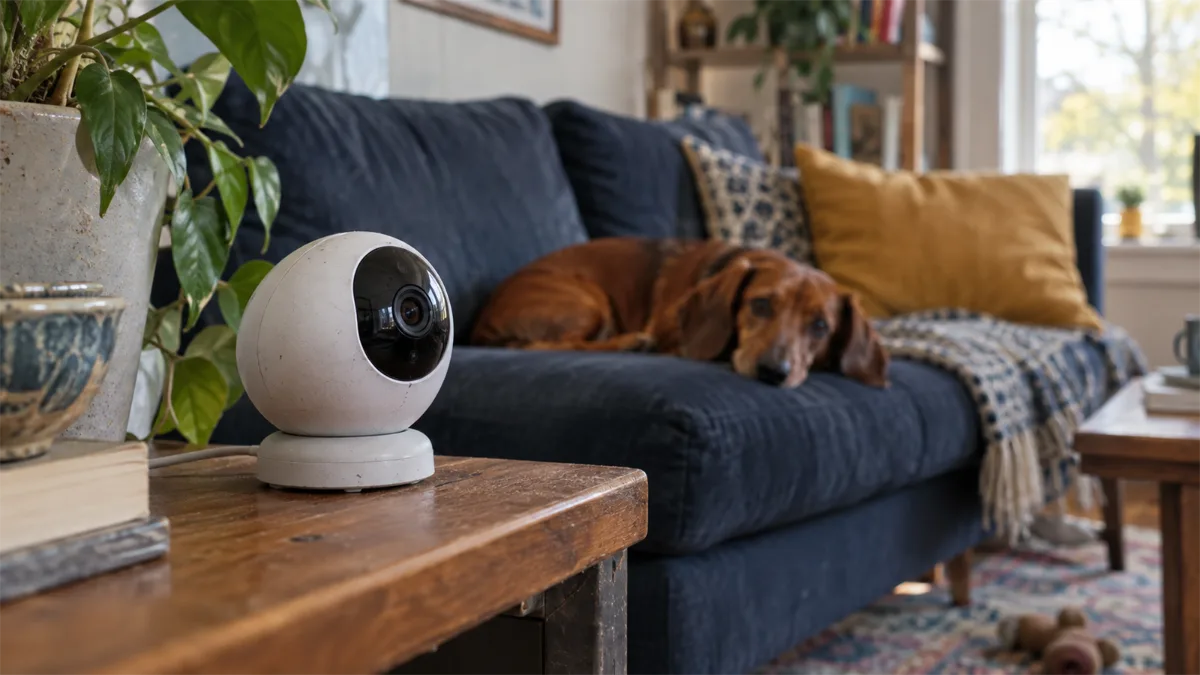
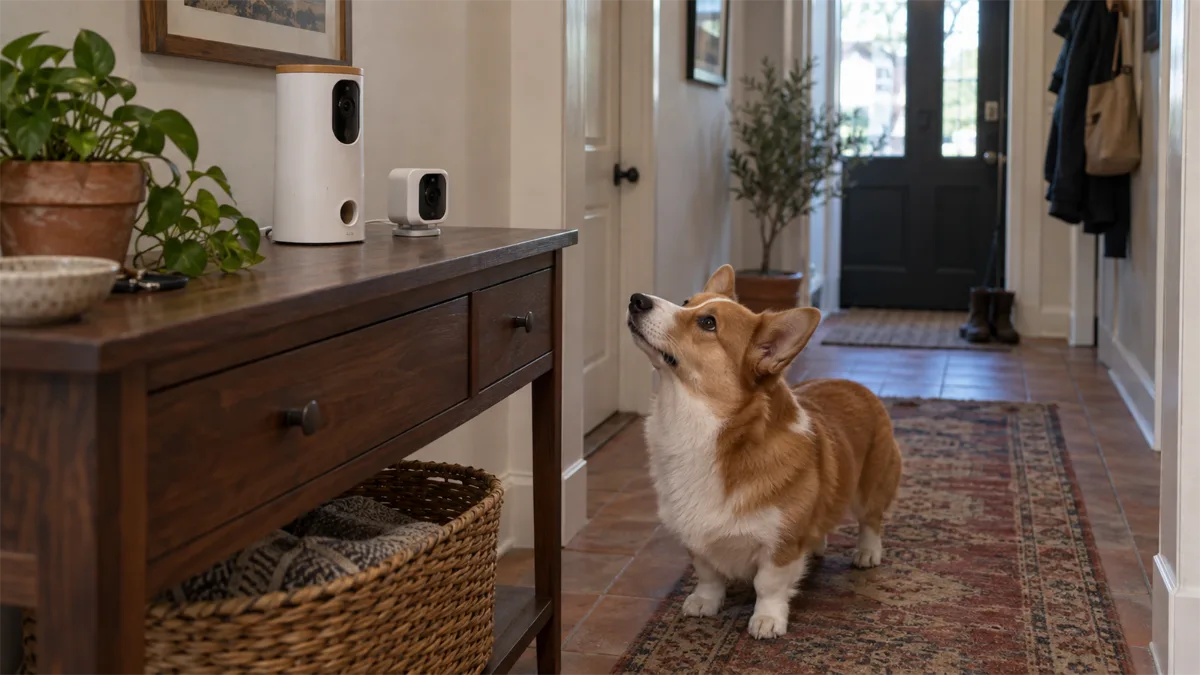 CompareFurbo vs PetcubeExact cameras, purchase packages and trade-offs.
 RecordingWithout a subscriptionFree functions versus saved history.
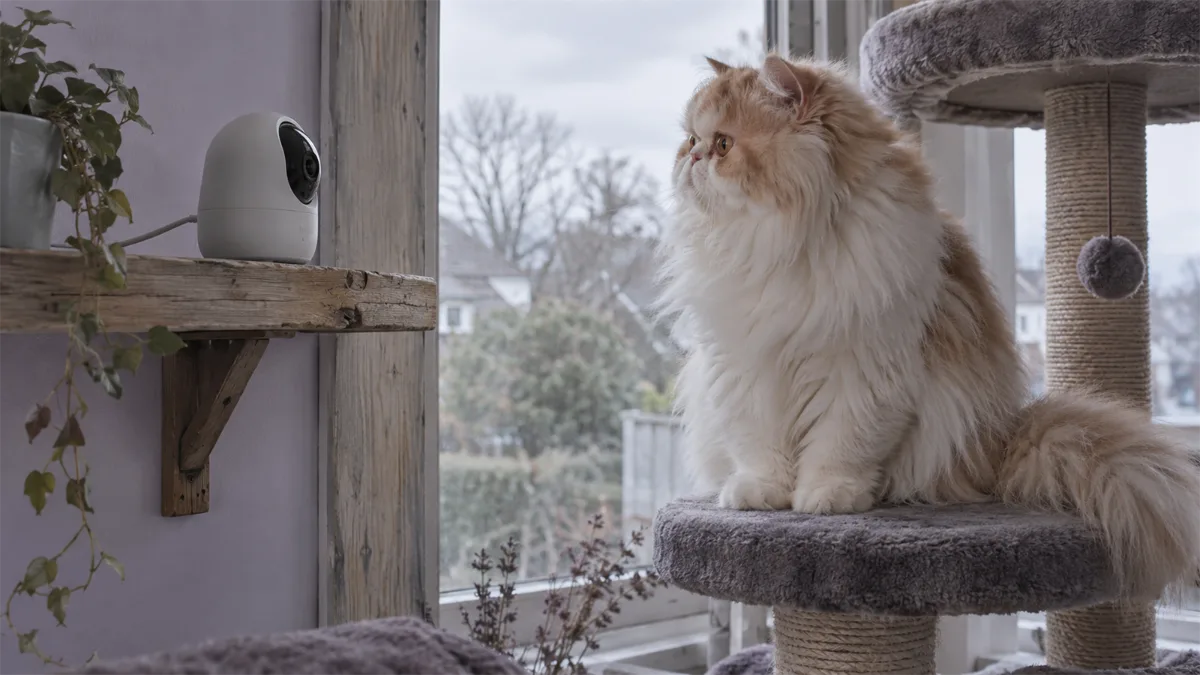 Cat homesCameras for catsFloor, perch and multi-cat views.
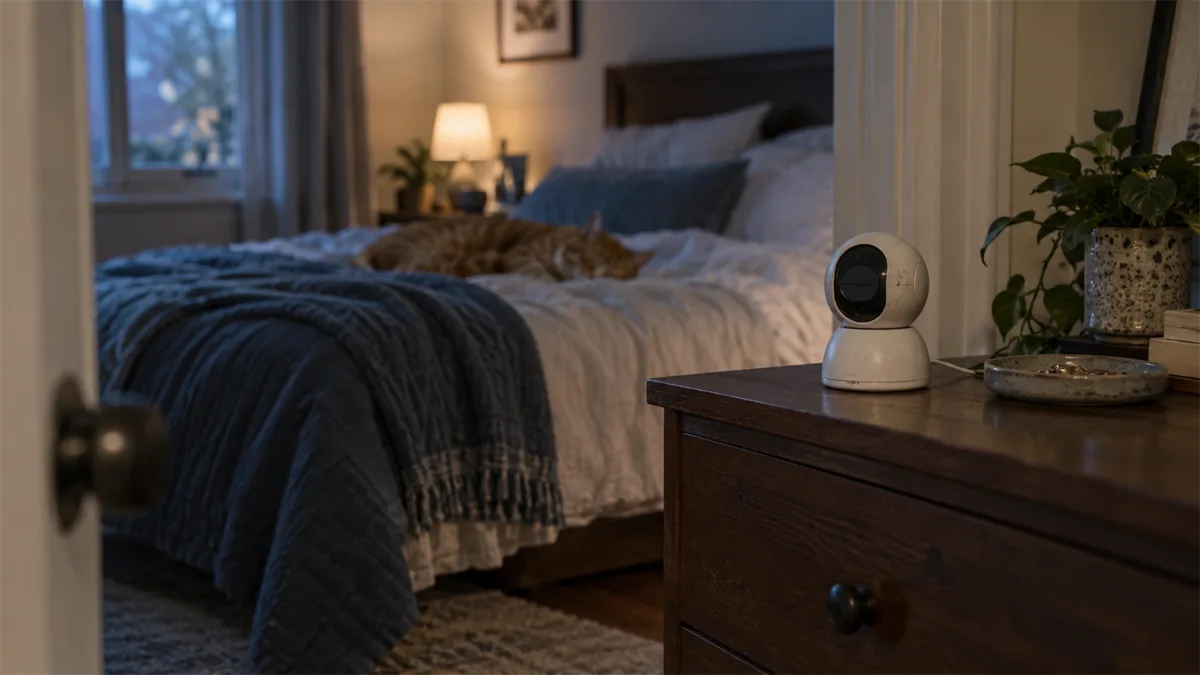 PrivacyPrivacy and securityAccount, sharing and retention checks.
 SetupPlacement and away checksA pre-departure test procedure.
What is a pet camera?
A pet camera lets you check a room through an app while you are elsewhere. Some models add treat tossing or pet-specific alerts; others are ordinary indoor security cameras used to watch a dog or cat. Start with the job you need: a quick live check-in, a recording of what happened earlier, or an interaction such as talking and offering a treat. Those jobs do not require the same features.
This hub is based on manufacturer documentation, not hands-on testing. Our comparisons separate documented capabilities from practical buying judgments. A camera can help you observe a room, but it cannot supply meals, open a door, or provide in-person care.
Who should consider one?
A camera is useful when a specific observation would change your next action: seeing whether your pet is resting in its usual spot, checking a shared room, or letting a nearby caregiver confirm what is happening. If you only want occasional live viewing, begin with that requirement rather than a long list of AI features. If you need to review missed events, storage and retention deserve attention before video resolution.
For feeding schedules, use the existing WiFi cat feeder guide or WiFi dog feeder guide. A treat camera dispenses rewards, not a planned meal.
Choose the camera type before the brand
| Type | Useful for | Main trade-off |
|---|---|---|
| Indoor pan/tilt camera | Scanning a room and checking floor/perch zones | Usually no treat dispenser; recording options vary |
| Treat-tossing pet camera | App-controlled rewards plus observation | Treat fit, placement and package subscription terms matter |
| Pet-specific camera without treats | Pet-oriented app features and monitoring | Smart alerts or history can require a paid plan |
| Camera feeder | Watching the feeding area and dispensing meals | A different category with feeding-specific requirements |
Compare camera feeders separately in our cat camera-feeder and dog camera-feeder guides. For a treat-camera shortlist, the existing pet cameras with treat dispensers guide remains the dedicated buying page.
Two-way audio: a feature to check in your own room
Two-way audio means the camera has a microphone and a speaker connected to the app. It does not establish that every pet will enjoy hearing a voice from a device. Check whether the app uses push-to-talk or simultaneous conversation, and try a low-volume interaction while you are home. Listen for delayed sound and watch your pet’s response before relying on audio while away.
Petcube’s Bites 2 Lite manual explains audio controls. Published specifications do not tell us how a particular room or pet will respond.
Live view, recordings and subscriptions are different
“No subscription” can mean free live viewing with no automatic history. It can also mean local recordings on a memory card you purchase separately. A cloud plan is a third option, with its own features and retention rules. Do not treat a live stream as evidence that yesterday’s activity has been saved.
Furbo’s free-feature support page explicitly distinguishes Standalone cameras from Subscribe & Save subscription-required models. Petcube Care Bundle is also a separate purchase arrangement from a standard camera. Read the selected offer, not just the brand name.
Dogs, cats and shared rooms
For a dog’s usual resting area, a stable wide view may be more useful than frequent camera movement. For a cat, think about both the floor and elevated resting spots. In a multi-pet home, one lens cannot show two separate rooms at once. Tracking and recognition claims do not remove physical blind spots.
A camera can show a feeding area but cannot prevent another cat from approaching a bowl. For that separate task, see feeders for multiple cats and RFID feeder access.
Features worth checking before purchase
- The exact model and purchase package, including any required subscription.
- The view at your pet’s actual height, rather than only the advertised pan coverage.
- Live access from your phone on cellular data and the supported home WiFi band.
- Local versus cloud recording, card compatibility and how missed events are retrieved.
- Privacy mode, sharing permissions, account protection and update support.
The Petcube Cam 360 is a rotating camera without treat dispensing. The Tapo C220 specifications offers a memory-card storage path. PETLIBRO Scout specifications is a pet camera distinct from PETLIBRO’s camera feeders; its cloud features should be assessed separately. These are category examples, not a tested ranking.

Petcube Cam 360
Best for: Rotating room observation without treat dispensing.
- 1080p, 105° lens; 350° horizontal and 55° vertical rotation
- privacy mode / camera-off feature; 2.4 GHz WiFi
- works without a subscription; stored video and smart alerts need Petcube Care

TP-Link Tapo C220
Best for: Local recording to a memory card, with cloud storage optional.
- 2560 × 1440 video; pan/tilt with 360° pan coverage
- microSD slot up to 512 GB (card sold separately); Tapo Care cloud is a paid option
- 2.4 GHz WiFi only; privacy zones and pet detection
Privacy and a practical away plan
Aim the camera at the pet area you need to see. Keep private household activity out of frame where possible, review who can access the feed, and check what the off-state actually does. Encryption, updates and strong account security matter; a manufacturer’s privacy claim is not an independent security audit. FTC camera-security guidance provides a useful starting checklist.
Before a trip, test viewing and any recordings you expect to use. Keep a person who can help if power, WiFi or the device fails. Our vacation feeding and backup guide covers the separate feeding plan. For other connected pet devices, see our guides to self-cleaning litter boxes and GPS and smart collars.