
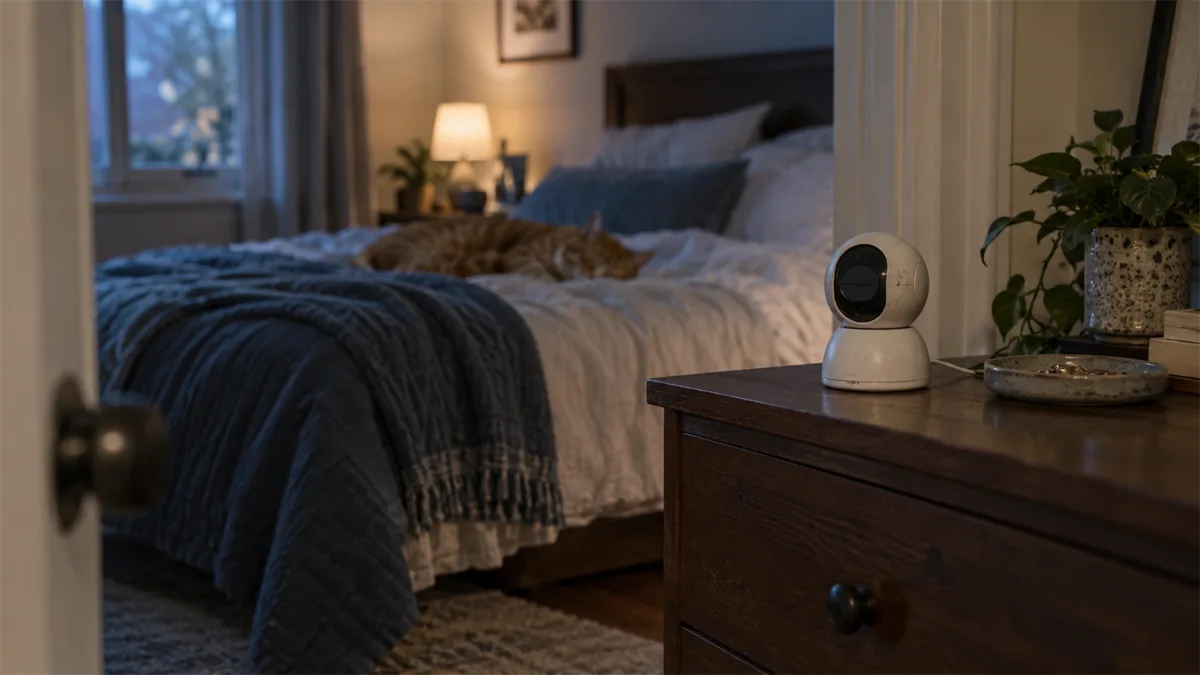
A pet camera also records part of your home
A camera aimed at a pet can capture people, conversations and household routines. Privacy starts with deciding what you need to observe and what should remain outside the frame. Security also involves the app account, phone, WiFi network and any service storing recordings. Choosing a familiar brand alone does not settle these questions.
This is a documentation-based household checklist, not a penetration test, compliance certification or ranking of the safest brands. We have not independently audited these cameras. “Encryption” and “privacy mode” describe individual features, not proof that every part of a system is risk-free.
Questions to ask before purchase
| Check | Question to resolve | Useful evidence |
|---|---|---|
| Account protection | Can I enable additional sign-in protection? | Current account help and setup screens |
| Sharing | Who can view, talk, pan or change settings? | Model-specific sharing documentation |
| Storage | What is stored locally or in the cloud, and for how long? | Exact recording settings and selected plan |
| Off-state | Does it stop recording, obstruct the lens or only mute alerts? | Model instructions plus a direct check |
| Updates | Where are firmware and app updates provided? | Manufacturer support and release information |
Use FTC home-camera guidance to check encryption, secure networking, software updates and permission controls. Its advice applies to connected cameras used to watch pets as well as other home cameras.
Minimize the scene and sound you collect
Point the lens toward the useful pet zone rather than a whole-home view by default. Check the wider view after panning, not only the starting angle. Consider what a guest or caregiver would reasonably expect the camera to capture. Keep private activity out of the scene and review microphone settings as a separate choice from video.
An activity zone often controls detection or alerts; it should not automatically be treated as a privacy mask. Verify the exact function. A blocked area in one setting does not establish that previously recorded clips have been deleted.
Protect the account and limit sharing
Use a unique strong account password and protect the phone that accesses the feed. Enable additional authentication when the provider makes it available. Keep app and device software current. FTC account-security advice explains why updates, unique passwords and a second authentication factor matter.
Before giving a caregiver access, identify which controls they actually need. Prefer supported sharing over casually distributing the main account credentials. Test what the recipient can see and do, then remove access when it is no longer needed. Do not assume identical controls across brands.
Petcube Cam 360 documentation describes sharing permissions. PETLIBRO Scout documentation describes recipient restrictions, including limits on pan/tilt and audio control. Those are product-specific records, not a declaration that either product is more secure.

Petcube Cam 360
Best for: Rotating room observation without treat dispensing.
- 1080p, 105° lens; 350° horizontal and 55° vertical rotation
- privacy mode / camera-off feature; 2.4 GHz WiFi
- works without a subscription; stored video and smart alerts need Petcube Care
Privacy modes need a model-specific check
Read what the manufacturer says, then verify the result in your own setup. Does the lens move out of view? Does recording stop? Are old clips still accessible? Is the microphone controlled separately? A notification toggle alone is not enough to answer those questions.
Wyze Cam Pan v3 support says its Privacy Mode points the lens down and disables sound recording; see the Pan v3 product page for the exact model. TP-Link support says Tapo/Kasa Privacy Mode stops video and audio streaming and recording; the Tapo C220 page also describes custom privacy zones. Check the chosen model and current app instead of transferring a feature from another version.

Wyze Cam Pan v3
Best for: Pan/tilt coverage with a physical privacy position and local card storage.
- 1080p; 360° pan and 180° tilt
- Privacy Mode points the lens down; microSD up to 256 GB
- 2.4 GHz WiFi only; powered by a 1.8 m USB cable (no battery)

TP-Link Tapo C220
Best for: Local recording to a memory card, with cloud storage optional.
- 2560 × 1440 video; pan/tilt with 360° pan coverage
- microSD slot up to 512 GB (card sold separately); Tapo Care cloud is a paid option
- 2.4 GHz WiFi only; privacy zones and pet detection
Local storage and cloud storage have different exposure
Local storage can reduce reliance on cloud history, but the card and camera still contain footage someone with physical access could retrieve. Cloud storage adds account access and provider retention questions. Neither arrangement is automatically private just because it is described as “local” or “encrypted.”
Choose the shortest useful recording workflow for the task. Review current deletion, export and cancellation instructions before storing material you may need later. Avoid retaining more household footage merely because a plan permits it. Check sharing separately from storage: a live viewer may not have the same permissions as someone accessing saved clips.
A practical household review
- Confirm the camera’s complete view and decide what should not be captured.
- Review account protection, phone access and each invited user.
- Check camera and app updates and locate the support information.
- Verify recording schedule, storage destination and selected retention rules.
- Test privacy/off settings directly and revoke unneeded access.
If monitoring needs change, revisit the setup rather than leaving the widest capture and longest retention enabled indefinitely. For product selection, use the existing treat-camera guide; for the site’s own data practices, see BowlScout’s Privacy Policy. The site policy does not describe a camera manufacturer’s service.
Return to the Pet Cameras hub for the overall buying framework.
The placement checklist helps limit the scene you capture. For storage choices, compare local recording and free live access.