
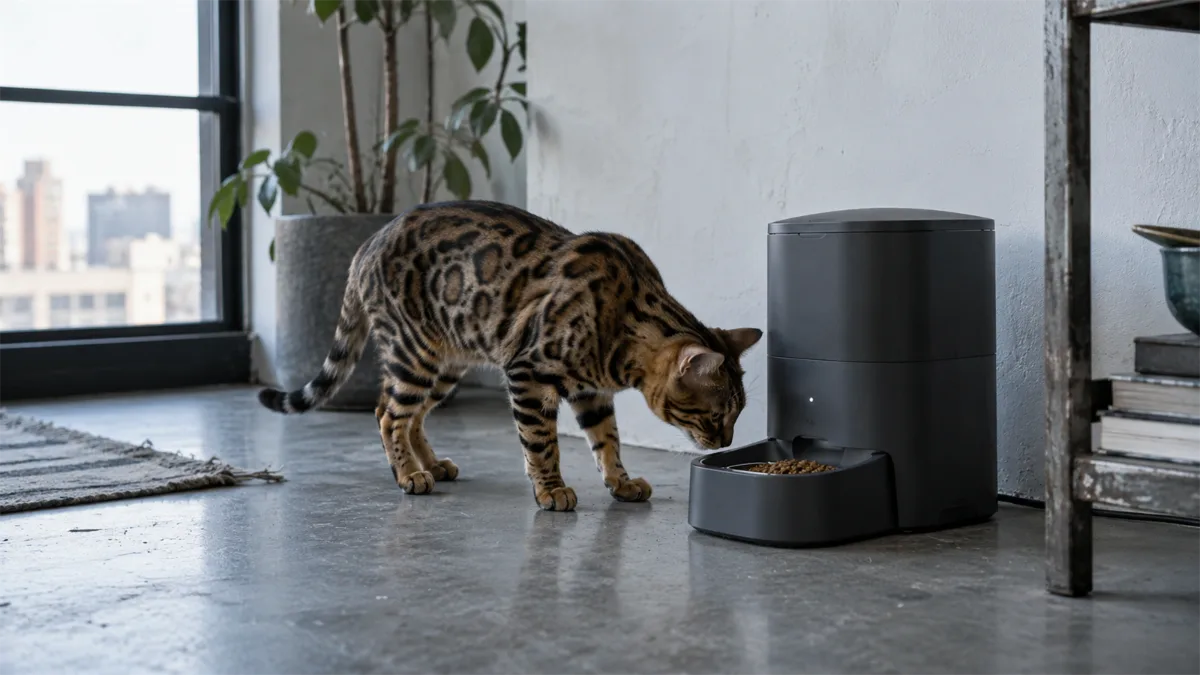
WiFi vs. Bluetooth vs. Basic Timer
The connection type is the single biggest thing to check before buying. A wifi cat feeder connects to your home network and, through the cloud, can be controlled and monitored from anywhere with an internet connection — genuinely remote. A bluetooth cat feeder only connects directly to your phone over a short range, typically within the same room or house — real remote control from work or while traveling isn’t possible on Bluetooth alone, whatever “smart” language the listing uses. And a basic automatic timed feeder with no wireless connection at all still handles scheduled feeding perfectly well on its own; see our timed cat feeder guide for how that core mechanism works without any app involved. If remote access while you’re away is the actual goal, WiFi is the connection type that delivers it — Bluetooth and basic timers don’t.
App Control: What It Actually Adds
An automatic cat feeder with app — sometimes listed as an app controlled cat feeder, phone controlled cat feeder, or electric cat feeder with app — typically lets you adjust the feeding schedule, trigger an extra feeding on demand, and check feeding history from a cat feeder app on your phone, all without touching the unit’s physical buttons. Real added value here is adjusting a schedule remotely (useful if plans change while you’re out) and getting a log of when feedings actually happened, which a basic timer can’t show you. What it doesn’t add is more feeding modes than the underlying timer already supports — the app is a remote control for the mechanism, not a different mechanism.
Alexa and Google Assistant Support
Voice assistant compatibility is real on a number of models, but worth understanding accurately before assuming full control. Several brands, including PETKIT, genuinely support Alexa for instant, on-demand feeding — asking Alexa to dispense a meal right now. What’s less commonly supported is full voice-based schedule creation (setting up a recurring feeding time by voice alone) — that’s typically still done through the app, with Alexa or Google Assistant layered on top for simple commands. Google Assistant support exists but is less common across the category than Alexa support, so if either matters to you specifically, check the individual model’s listing rather than assuming “smart” implies both.
Voice Recording: Talking to Your Cat at Mealtime
A separate feature from voice assistant support, an automatic cat feeder with voice recorder lets you record a short message — your own voice calling your cat to dinner — that plays each time food dispenses. This is a standalone hardware feature built into the feeder itself, unrelated to Alexa or Google Assistant integration, and it’s aimed at reinforcing a consistent feeding routine or reassuring an anxious cat during a schedule change, not remote control.
Tuya and Universal Smart Home Platforms
A meaningful share of budget and mid-range smart cat feeders — a tuya cat feeder or tuya smart cat feeder — don’t run a proprietary branded app at all. Instead they connect through Tuya Smart (or its consumer-facing “Smart Life” app), a widely used white-label IoT platform that many different manufacturers build their WiFi hardware on. This isn’t a downside by itself — Tuya-based feeders work the same way a branded smart home cat feeder does — but it does mean the app experience is generic rather than feeder-specific, and it’s worth checking reviews for how reliably that particular manufacturer’s hardware pairs with the platform, since quality varies more by manufacturer than by the platform itself.
Remote Control and Monitoring
A remote cat feeder or remote control cat feeder generally means schedule and portion control from anywhere via WiFi — the “wireless cat feeder” and “internet cat feeder” framings describe the same thing. What it typically does not include, unless specifically stated, is live video: a smartphone cat feeder with only feeding controls and no camera can’t show you what’s happening at mealtime. If seeing your cat matters as much as feeding them remotely, see our cat feeder with camera guide for models that add video monitoring on top of remote scheduling.
Best Smart and WiFi Cat Feeders

PETLIBRO Granary WiFi
App scheduling, portion control and feeding records without a camera.

PETKIT YumShare Dual-Hopper
Camera-equipped smart feeder with separate dry-food compartments.

PETLIBRO Granary 2
For: Tracking how much dry food one pet eats, with app scheduling and a built-in bowl scale.
Model PLAF105-01W is the base Granary 2, without a camera. The scale records food eaten and food left in the bowl; it does not dispense a target weight in grams. Dispensing still uses approximate portions, so calibrate with your own kibble. Granary 2 Vision, Duo and X are separate models.
Specification source: manufacturer page. Model and listing checked October 20, 2026; specifications are manufacturer claims, not hands-on test results.
Also compared · no shop link
PETKIT YumShare Solo 2
WiFi feeder with an integrated camera and two-way audio.
- Best for full remote access: A genuinely WiFi-connected model with app scheduling and portion history — skip Bluetooth-only units if controlling the feeder while away from home matters to you.
- Best for voice control: A model with confirmed Alexa on-demand feeding support, checked against the specific listing rather than assumed from general “smart” marketing.
- Best budget smart option: A Tuya/Smart Life-based feeder — generally the lower-cost way into WiFi and app control, with the tradeoff of a generic rather than branded app experience.
Quick Checklist Before You Buy
- Confirm whether it’s WiFi (genuinely remote) or Bluetooth-only (short-range, not remote) before assuming “smart” means the same thing
- Check Alexa/Google Assistant support individually — don’t assume both are included, and check whether it’s on-demand feeding only or full scheduling by voice
- If it runs on Tuya/Smart Life rather than a branded app, check manufacturer-specific reviews for pairing reliability
- Decide whether remote video matters — a smart feeder without a camera can’t show you what’s happening at mealtime
- Voice recording (a message that plays at feeding time) is a separate feature from voice assistant control — don’t conflate the two
Decision guide
WiFi vs. offline programmable cat feeder
Remote control is useful only when it solves a real routine problem; a basic timer can be the more resilient choice.
WiFi / app feeder
Remote schedule changes, status alerts, and dispensing history. Setup is more complex, and remote features depend on the app, account, and network.
Offline programmable feeder
Schedules meals on the device and can keep working without internet. It offers no remote confirmation, alerts, or away-from-home changes.
Also compare camera feeders, timed feeders, or shortlisted models in Comparison.
For button-controlled alternatives, read the no-WiFi cat feeder comparison.
Frequently Asked Questions
What’s the real difference between a WiFi and a Bluetooth cat feeder?
WiFi connects through your home network and the cloud, so you can control it from anywhere with internet access. Bluetooth connects directly to your phone over a short range only — genuinely remote control from outside the house isn’t possible on a Bluetooth-only feeder.
Does a smart cat feeder work with Alexa or Google Assistant?
Some models do, most commonly for on-demand “feed now” commands rather than full voice-based schedule setup. Google Assistant support is less common across the category than Alexa support. Check the specific model rather than assuming either is included.
What is a Tuya cat feeder, and is it less reliable than a branded one?
Tuya (or its Smart Life app) is a common white-label smart home platform that many manufacturers build their WiFi feeders on instead of writing a proprietary app. It’s not inherently less reliable — quality depends more on the manufacturer’s hardware than on the platform itself — but the app experience is generic rather than feeder-specific.